
These 7 Rewards Apps Are Quietly Paying My Grocery Bills
Grocery bills keep climbing, but the money you spend can work a little harder. Cash back apps pay you for purchases you're already making—sometimes in actual cash, sometimes in points toward gift cards.
I've been using seven of these apps together for the past year, and they've quietly covered a meaningful chunk of my grocery spending. Here's how each one works and how to combine them without turning shopping into a second job.
How cash back apps work
Cash back apps pay you money or points when you shop. You buy groceries like you normally would, submit proof of your purchase, and the app credits your account with rewards.
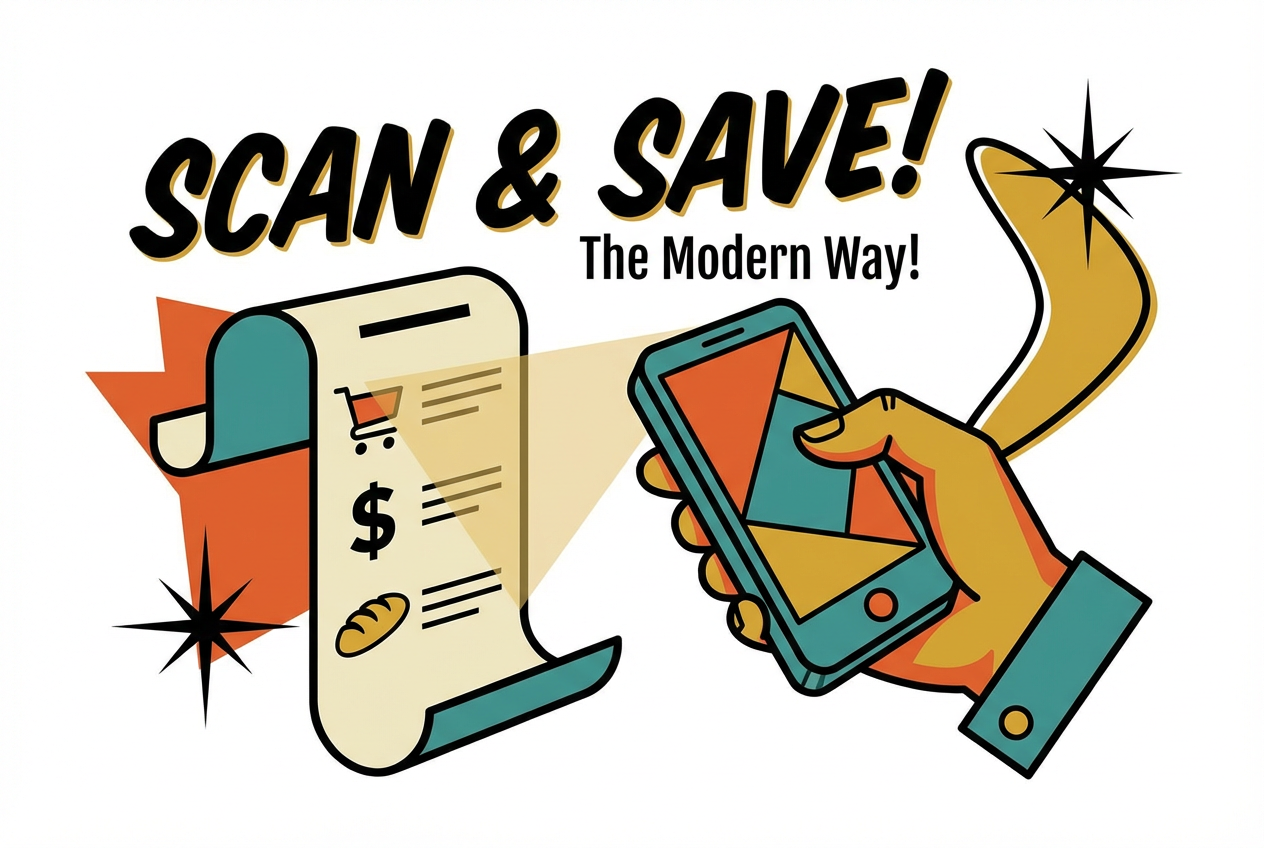
The way you submit proof depends on the app. Some apps ask you to photograph your receipt after shopping. Others connect to your debit or credit card and detect purchases automatically. A third type requires you to browse offers and select them before you shop. Receipt scanning apps work by reading your paper receipts to identify qualifying items.
- Receipt scanning: Snap a photo of your paper receipt, and the app reads it to find qualifying items
- Card linking: Connect a payment card once, then earn automatically when you shop at partner stores
- Offer activation: Browse deals in the app before your trip, then submit your receipt to claim them
Most grocery apps use receipt scanning or offer activation. Card-linked apps work better for restaurants and retail, though a few now include grocery stores too.
How much you can actually earn from grocery rewards apps
Earnings depend on three things: how often you shop, which apps you use, and whether you combine multiple apps on the same trip.
Receipt scanning apps pay small amounts per scan—often just pennies, sometimes a dollar or two. That sounds tiny, but it adds up when you scan every receipt for months. Offer-based apps like Ibotta pay more per item, sometimes a few dollars back on specific products, but only when you buy items with active offers.
App Type
Effort Level
Earning Style
Receipt scanning
Low
Points per receipt
Offer-based cash back
Medium
Cash back on specific items
Card-linked
Very low
Automatic percentage back
The real payoff comes from combining all three types. You might activate Ibotta offers before shopping, pay with a card linked to Pogo, then scan your receipt into Fetch when you get home. Each app earns separately on the same trip.
The 7 best cash back apps for groceries
Here are seven apps that cover the main ways to earn on grocery shopping. Each works differently, so the right combination depends on how much time you want to spend.
Fetch
Fetch earns points on almost any receipt—grocery, gas, restaurant, or retail. You don't pick offers or buy specific brands. Just scan and earn.
How to use it. Open the app and tap the camera icon. Take a photo of your receipt. Fetch reads it automatically and adds points to your account. Some brands earn bonus points, which you can find in the "Brands" tab.
Redemption. Points convert to gift cards from Amazon, Target, Starbucks, and dozens of other retailers. There's no PayPal or cash option.
Best for. Anyone who wants a simple starting point. Fetch works with every receipt, so building the habit is easy.
Ibotta
Ibotta focuses on specific product offers rather than general receipt scanning. It tends to pay more per item, but you only earn on products with active deals.
How to use it. Before shopping, open Ibotta and tap "Grocery." Browse offers and tap the plus sign to add ones you want. After shopping, either scan your receipt or link your store loyalty card for automatic verification.
Redemption. Cash out to PayPal, Venmo, or gift cards once you reach $20. The PayPal option means actual cash in your bank account.
Best for. Shoppers who don't mind checking offers before each trip. If you buy name-brand products, you'll often find matching deals. Read our detailed Ibotta review to learn more.
Rakuten
Rakuten started as an online cash back portal and still works best for online shopping. However, it now offers in-store rewards at select retailers through card linking.
How to use it. For online grocery orders, visit Rakuten first and click through to the retailer's site. For in-store shopping, link a card in the app and check which nearby stores participate.
Redemption. Rakuten pays quarterly via PayPal or check. The minimum is $5, and payments go out automatically.
Best for. Shoppers who order groceries online or already use Rakuten for other purchases.
Pogo
Pogo earns cash back automatically through card linking. No receipt scanning, no offer activation. You connect a card, shop normally, and Pogo detects qualifying purchases in the background.
How to use it. Download the app and link a debit or credit card. That's the entire setup. Pogo runs quietly and credits your account when you shop at partner merchants.
Redemption. Cash out to PayPal or gift cards with relatively low minimums.
Best for. People who want passive rewards without changing anything about how they shop.
Checkout 51
Checkout 51 works like Ibotta—you browse weekly offers, shop, then submit your receipt. New offers appear every Thursday.
How to use it. Open the app and browse this week's deals. Tap to save the ones you want. After shopping, photograph your receipt to claim cash back.
Redemption. Cash out via check once you reach $20.
Best for. Shoppers who want another offer-based app to stack with Ibotta. Many offers differ between the two, so you can earn on both.
Shopkick
Shopkick earns "kicks" (points) in several ways: walking into stores, scanning product barcodes on shelves, and submitting receipts. You can earn before you buy anything.
How to use it. Enable location services, then check the app for nearby stores offering walk-in kicks. Inside the store, scan barcodes of featured products for additional kicks. Submit receipts for purchases to earn more.
Redemption. Redeem kicks for gift cards. The earning rate is modest, but the variety of ways to earn adds up.
Best for. Shoppers who visit multiple stores and want extra earning opportunities beyond receipts.
Crush Rewards
Crush Rewards takes a different approach by emphasizing data transparency. Your receipts become digital assets you own, and you can see exactly how your purchase data is used.
How to use it. Scan receipts like you would with other apps. Crush tracks your purchases and rewards you with points.
Redemption. Convert rewards to cash or fractional stock shares directly through the app.
Best for. Users who care about data privacy and want more visibility into how their information is shared.
Other receipt money back apps worth trying
Adding more receipt scanning apps increases your total earnings without much extra effort. Here are three with lower per-receipt payouts but minimal friction:
- Receipt Hog: Gamifies receipt scanning with slot machine spins that award bonus coins
- ReceiptPal: Accepts any receipt and awards points toward gift cards with no offer activation
- Coinout: Pays a small random amount instantly for each receipt with no minimums
You can scan the same receipt into all of these apps. They don't have overlapping brand-specific offers, so there's no conflict.
How to stack rewards apps for maximum cash back
Stacking means using multiple apps on the same shopping trip. Since most apps reward different things—specific products, general receipts, or card transactions—they work alongside each other rather than competing. Learn more about stacking rewards to maximize your cash back.
Example stack for one grocery trip:
- Browse Ibotta and Checkout 51 for offers before you leave
- Shop and pay with a card linked to Pogo or Rakuten
- Scan your receipt in Fetch when you get home
- Upload the same receipt to Receipt Hog for bonus spins
This approach takes maybe five extra minutes total. The payoff is earning from four different sources on a single trip.
Tip: Keep receipts in one spot—a pocket, envelope, or your car's console—until you've scanned them into all your apps. It's easy to forget once you walk in the door.
Pick one app and add more over time
Starting with seven apps at once feels overwhelming. A better approach: pick one app, use it consistently for a few weeks until it becomes automatic, then add another.
Fetch makes a good starting point because it works with any receipt and requires no pre-shopping prep. Once scanning receipts feels natural, layer in Ibotta for higher-value offers on specific products. Add Pogo or Rakuten after that for automatic card-linked rewards. For more ways to earn without extra effort, check out our guide to passive income apps.
Start with one app you'll use every time, then add others when you're ready. Small steps add up.
Frequently Asked Questions
Do grocery rewards apps sell my data?▾
Most apps collect purchase data to show relevant offers and share anonymized information with brands and retailers. This is how they fund the rewards they pay you. Apps like Crush Rewards let you see exactly how your data is used and compensate you more directly for sharing it.
Can you use the same grocery receipt on multiple cash back apps?▾
Yes. Each app has its own earning structure—Fetch pays for general receipts, Ibotta pays for specific offers—so they don't overlap. Scanning the same receipt into multiple apps is the foundation of stacking for higher total rewards.
What is the fastest way to cash out from a rewards app?▾
Card-linked apps like Pogo often have the quickest path since earnings accumulate automatically. For receipt scanning apps, Ibotta's $20 PayPal threshold is relatively fast if you use it regularly. Apps that pay only in gift cards may feel slower since you're waiting to accumulate enough points for a useful amount.